

 Canada
 USA
USA Australia
 UK
UK Europe
 New Zealand
 Japan
Japan Singapore
 UAE
UAE India
India South Korea
Fusion Pro TOUR USB-C Travel Dock


Fusion Pro TOUR USB-C Travel Dock
Fusion Pro TOUR USB-C Travel Dock
Couldn't load pickup availability
Specifications
Specifications
Downloads
Downloads


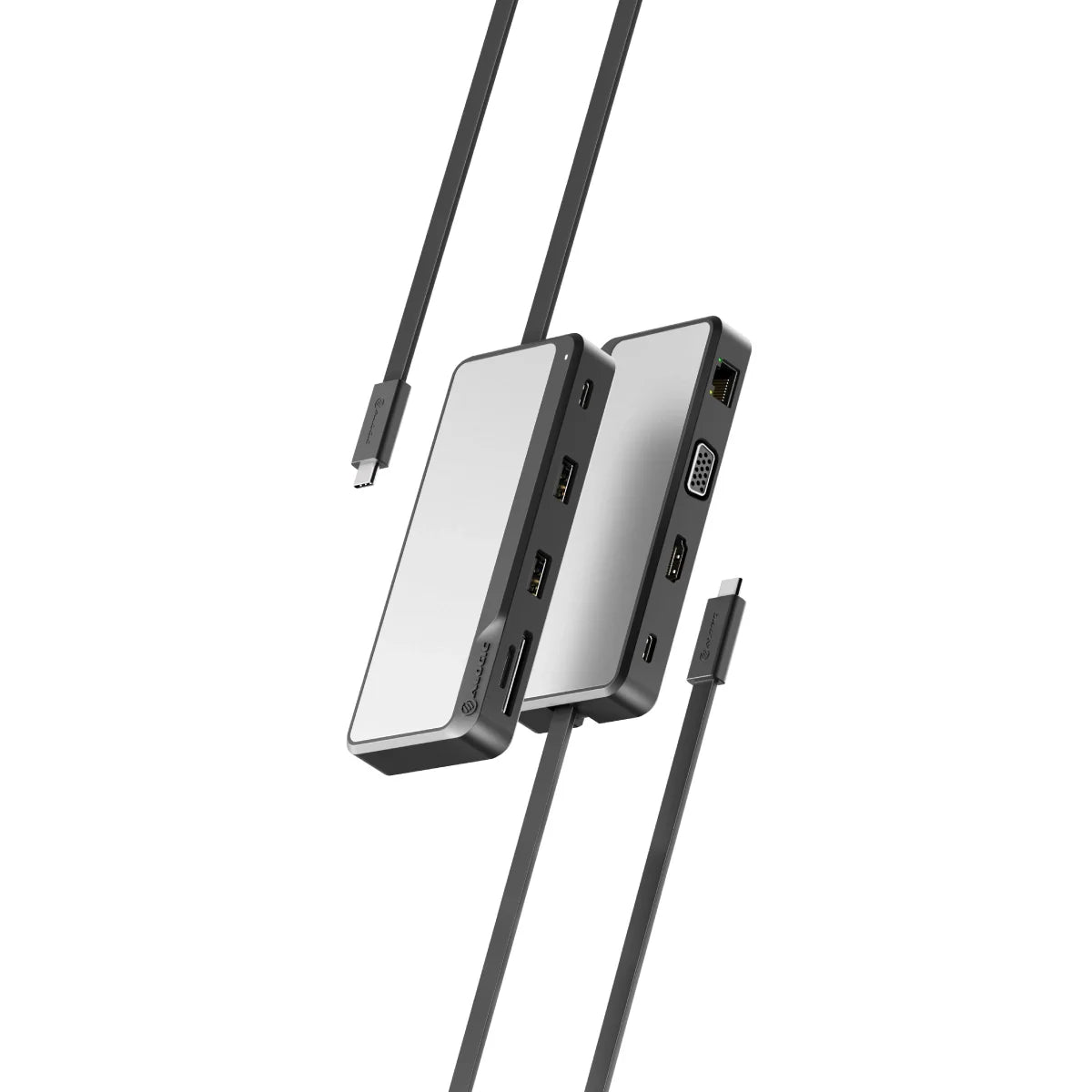
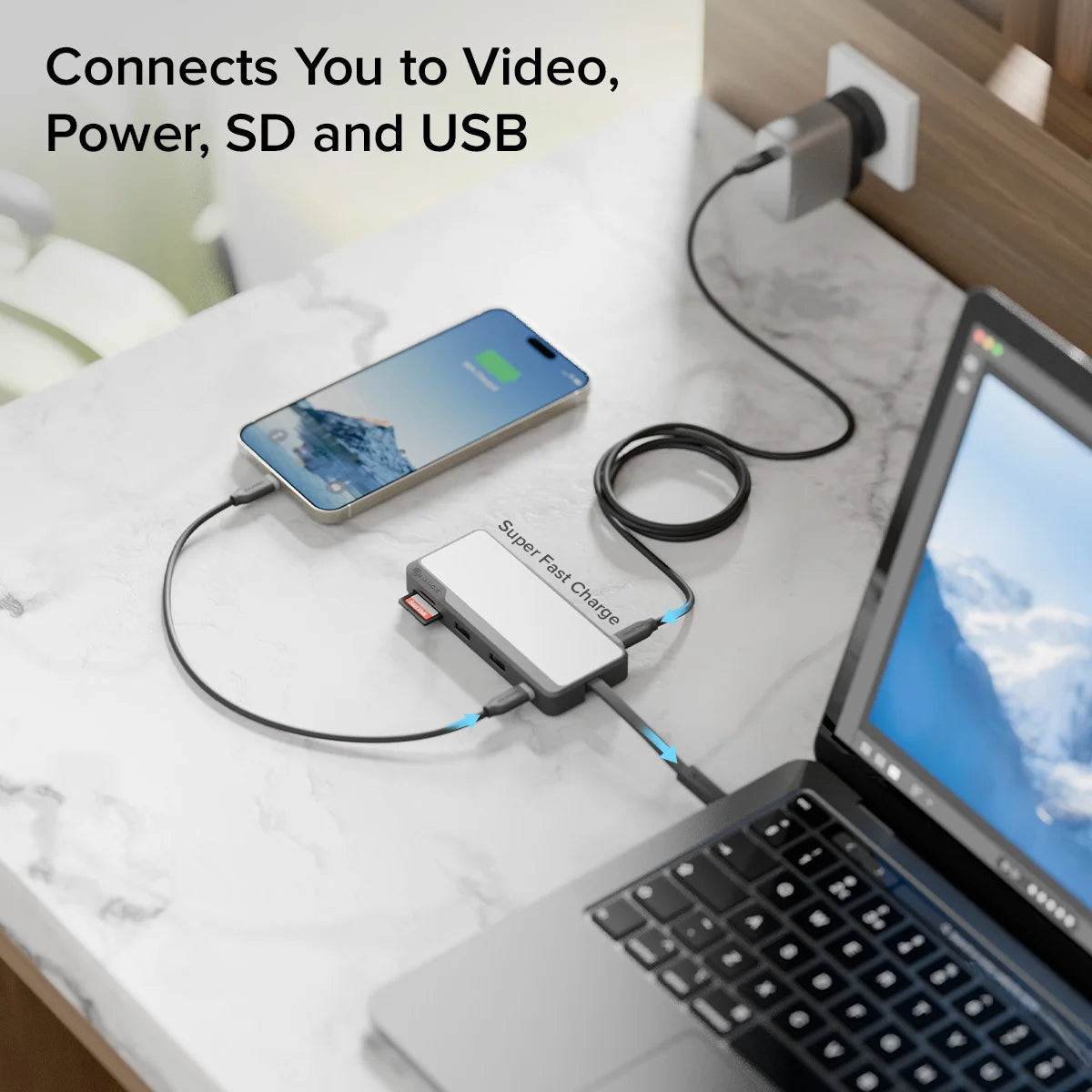
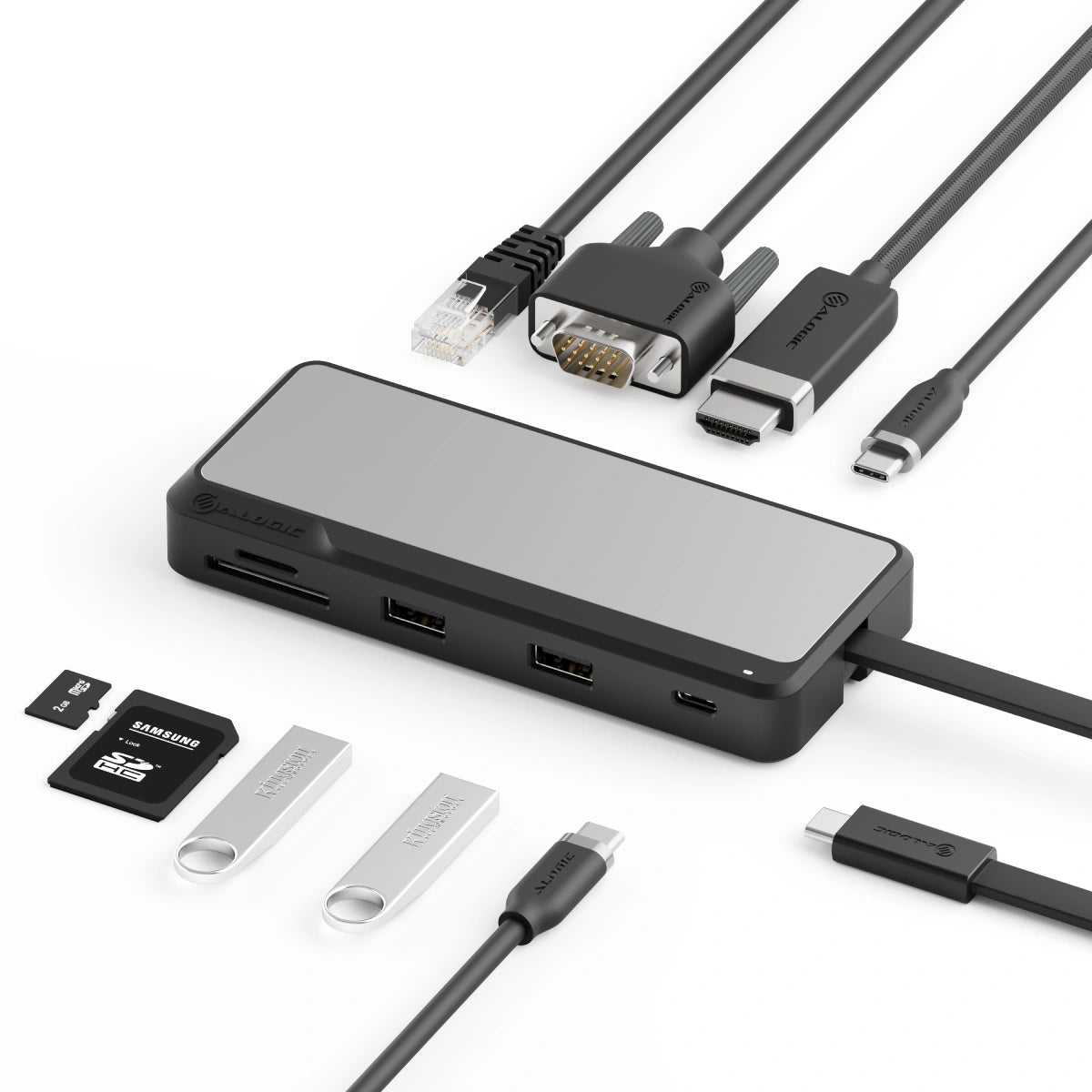
TOUR combines all the features you love from desktop docks into a travel-friendly form factor, including a 4K HDMI port (with VGA for backup), four USB connections, SD and microSD card readers and secure Gigabit Ethernet for wired network connectivity.


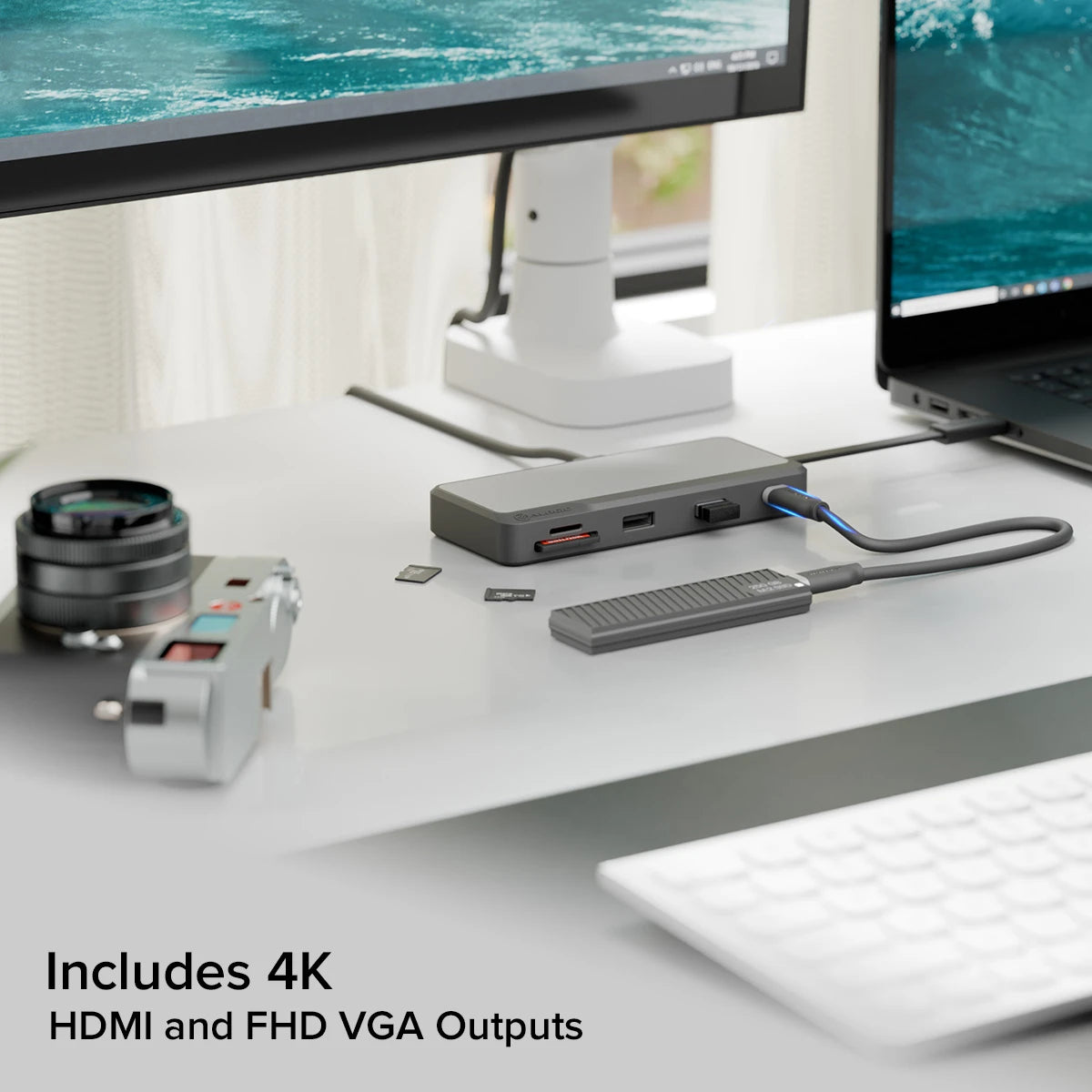
Small but powerful, the TOUR Dock can extend a laptop’s display to any external monitor with a digital HDMI or analogue VGA input.
Supporting resolutions up to 4K over HDMI*, this dock can provide vivid high resolution visualization for increased visual fidelity.


* Video resolutions and refresh rates that can be achieved are dependent on the capabilities of the connected computer and monitor. Check the FAQ’s below for guidance in the resolutions you can expect to achieve with your equipment.
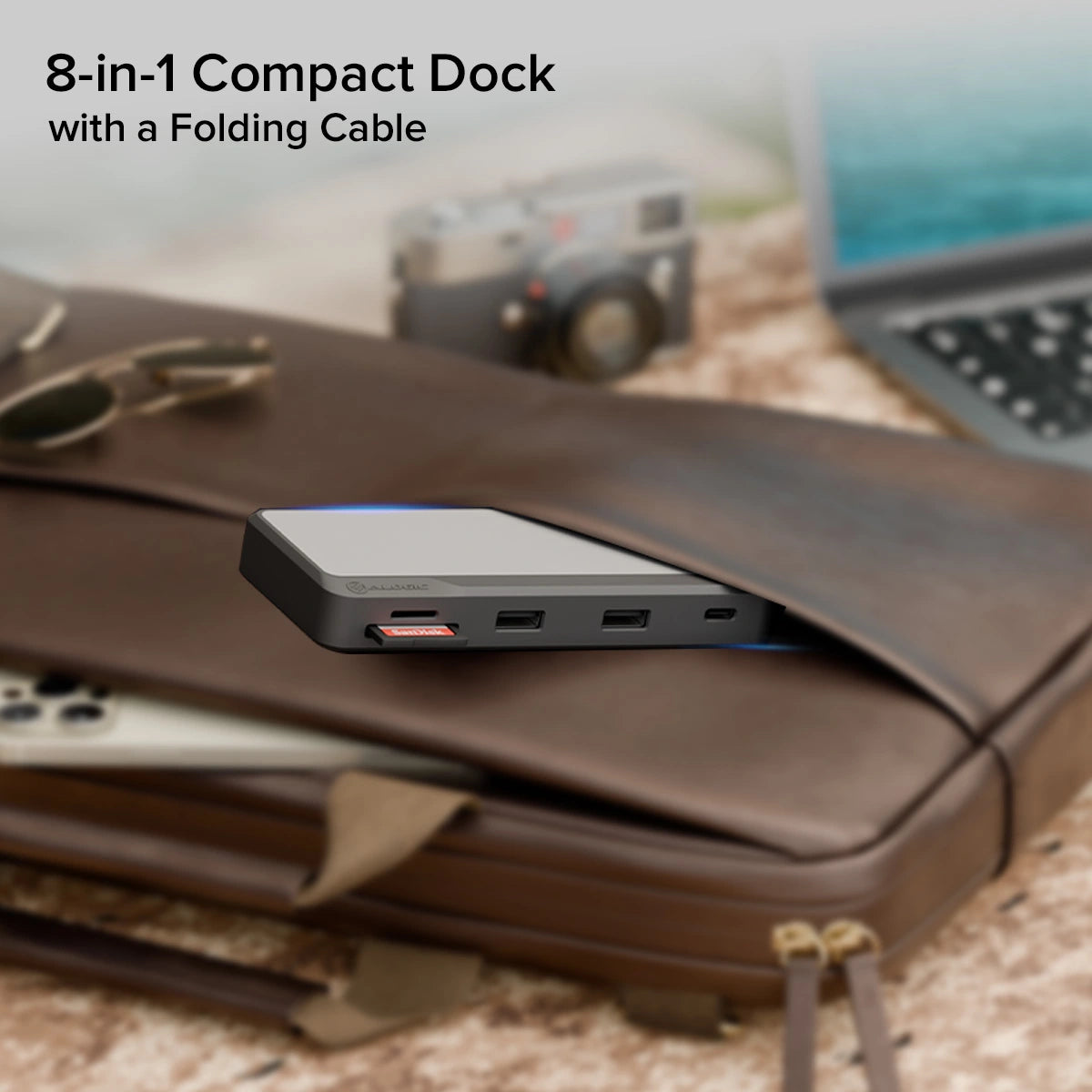
With an elegant mix of Aluminium and impact resistant ABS, TOUR doesn’t just look great on the desk, this compact dock has the strength to travel in a crowded laptop bag and emerge without a scratch.


This dock’s compact design is perfect when space is at a premium and makes it a logical choice for mobile users – road warriors, educators, students and professionals who work between the office and home.


General
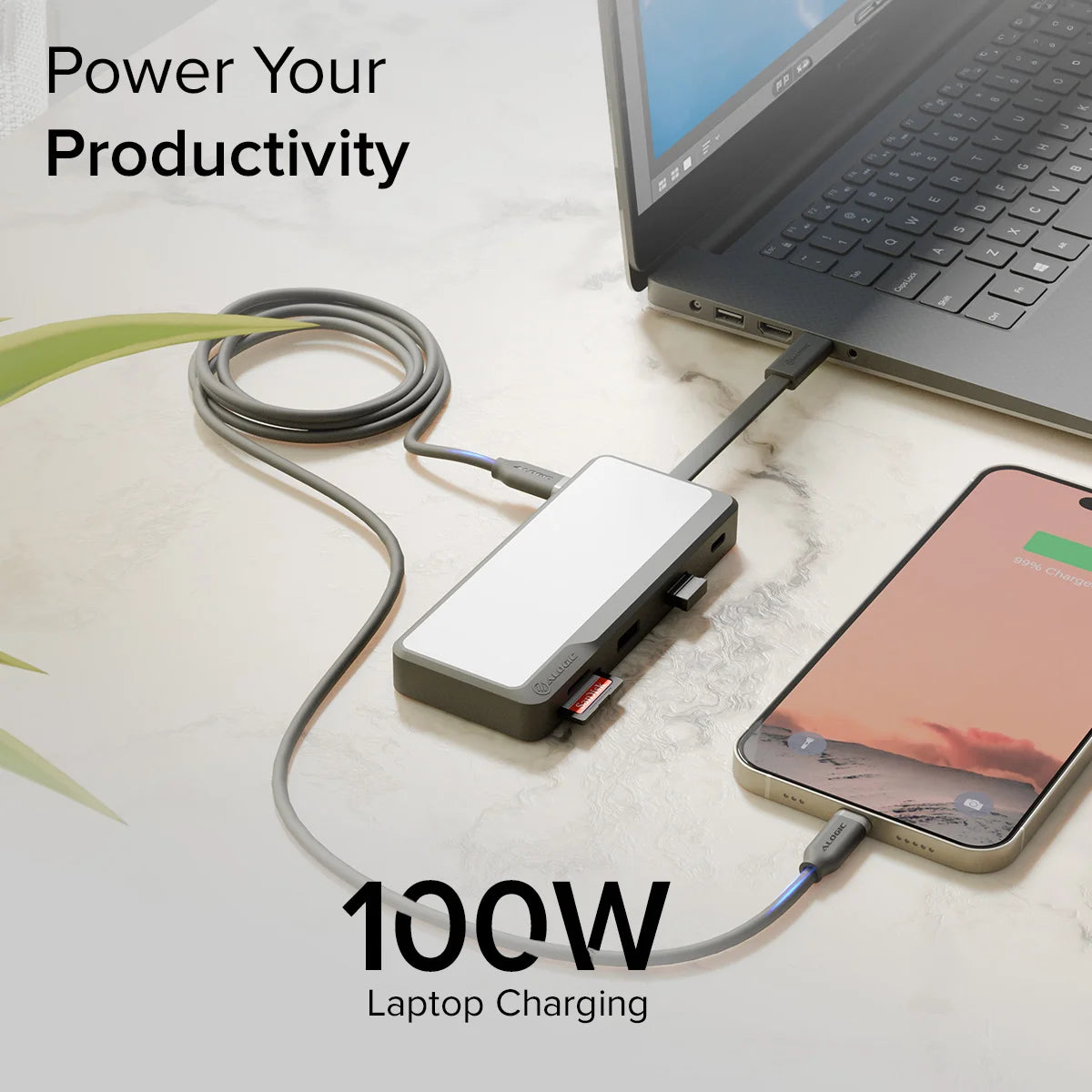
The device supports USB PD 2.0 and 3.0 power adapters up to 100W. Note that the device can reserve up to 15W from power adapters to power itself and peripheral devices connected to the ports on the hub so it is best to use a USB PD power adapter that is at least 15W larger than the power adapter that was supplied with the computer.
The maximum Wattage that this hub can provide to charge a computer is 85W (100W power adapter minus 15W reserved by the hub). This is sufficient for most laptops, but a few larger high performance laptops may slow charge or not be able to charge through this device.
If the computer shows a message indicating that it is not receiving enough power from the device, increase the size (Wattage) of the connected power adapter or connect the power adapter directly to the computer.
Devices
| Host Type | Max Resolution/Refresh Rate | |
| Without DSC* | With DSC* | |
| USB-C 3.x DP1.2 alt mode hosts | 4K 30Hz |
|
| USB-C 3.x DP1.4 alt mode hosts | 4K 60Hz | 8K 30Hz |
| TB3 DP1.2 alt mode hosts | 4K 30Hz |
|
| TB3 DP1.4 alt mode hosts | 4K 60Hz | 8K 30Hz |
| TB4 DP1.4 alt mode hosts | 8K 30Hz | 8K 60Hz |
| USB 4 hosts | 8K 30Hz | 8K 60Hz |
| Mac Intel hosts | 4K 30 - 60Hz |
|
| Mac first generation M1 hosts | 4K 60Hz |
|
| Mac M1 Pro/Max hosts | 4K 60Hz |
|
* DSC: Display Stream Compression
Product Comparison
| Description |
| Price |
| Vendor |
| Type |
| Product variants |
|
| Fusion Pro TOUR USB-C Travel Dock. | Regular price
$129.99
Sale price
Regular price
| ALOGIC CANADA |
Choose your option
Fusion Pro TOUR USB-C Travel Dock
Fusion Pro TOUR USB-C Travel Dock
- Choosing a selection results in a full page refresh.
- Opens in a new window.