

 Canada
 USA
USA Australia
 UK
UK Europe
 New Zealand
 Japan
Japan Singapore
 UAE
UAE India
India South Korea
Echelon USB-C Rechargeable Wireless Keyboard for macOS







Echelon USB-C Rechargeable Wireless Keyboard for macOS
Echelon USB-C Rechargeable Wireless Keyboard for macOS
Couldn't load pickup availability
Specifications
Specifications
Downloads
Downloads

"The low-cost Echelon Wireless Mouse from Alogic is super lightweight and makes for a great travel mouse."

"Alogic's Echelon Series Delivers Budget-Friendly Keyboard and Mouse Accessories"

“The new Echelon keyboard and mouse are affordable alternatives to Apple's Magic Keyboard and mouse.”

"Alogic’s new Echelon keyboard and mouse make a dynamic duo."


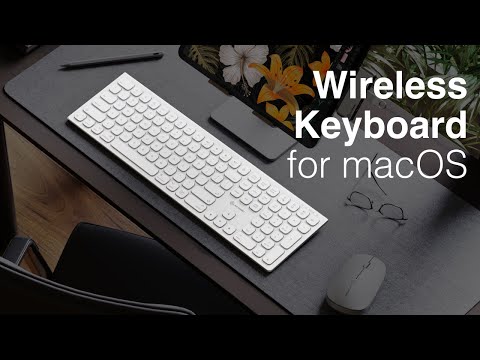
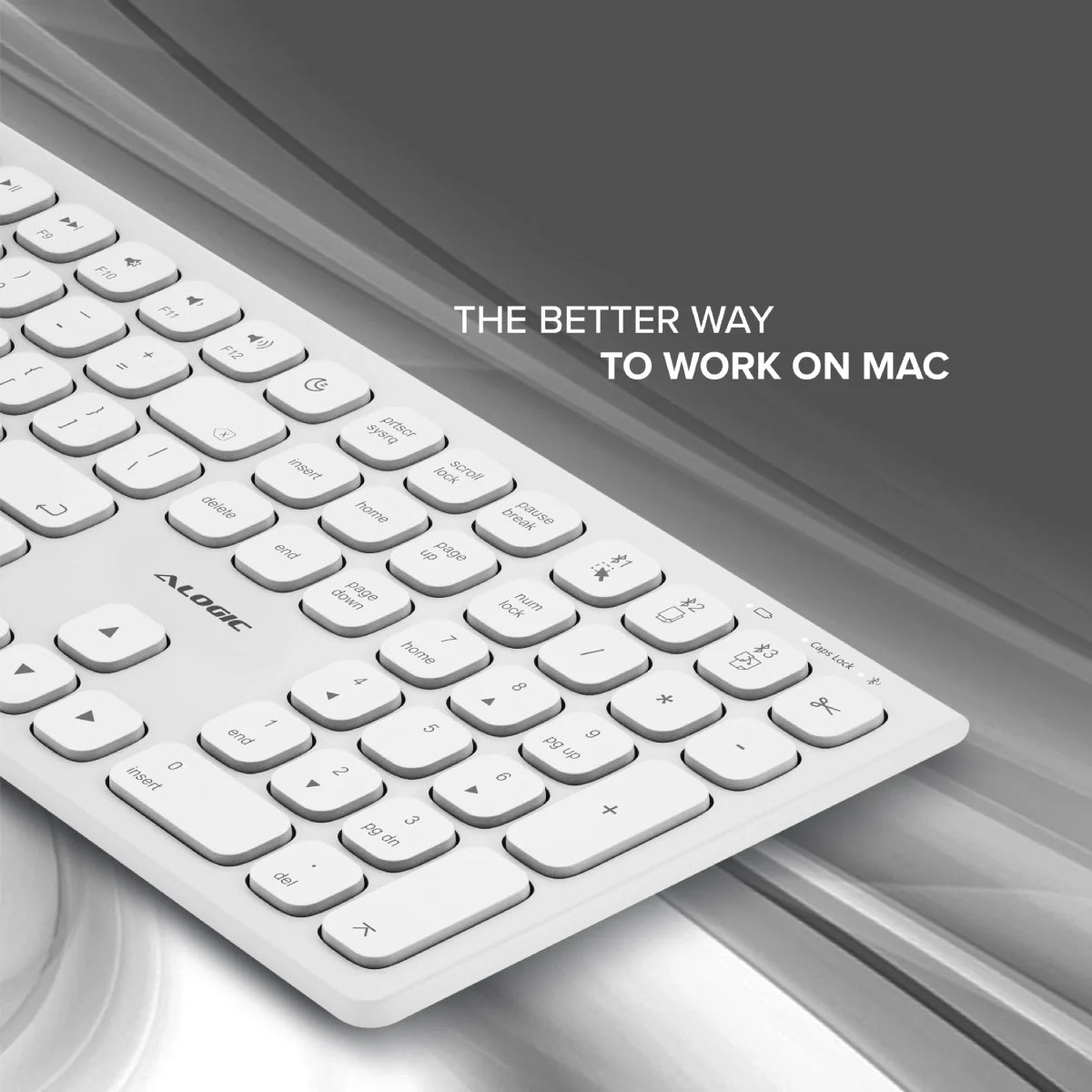
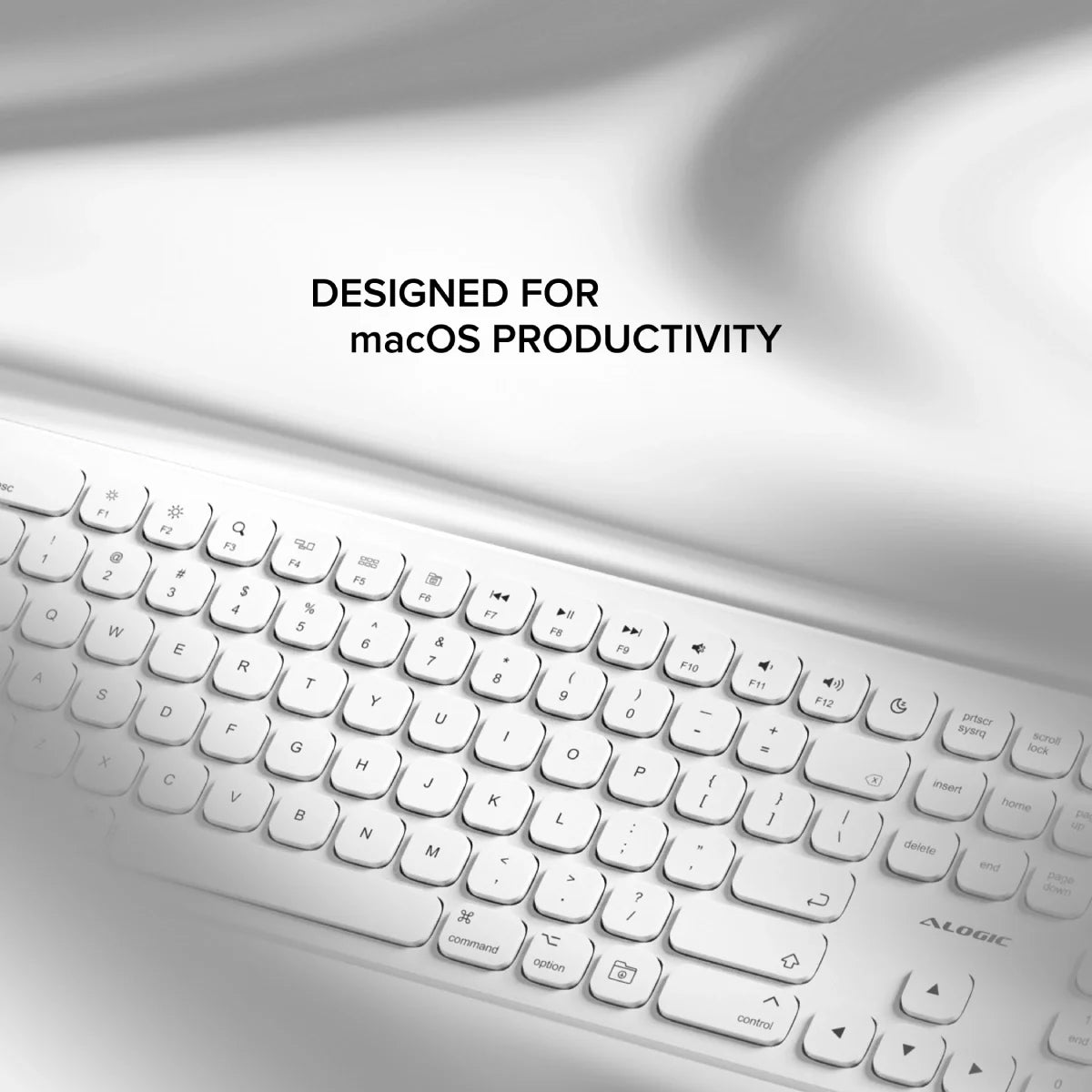
Despite its slim design, the Echelon Wireless Keyboard delivers a first-rate typing experience, with full-size, comfortably-spaced keys that make composing long documents quick and accurate.


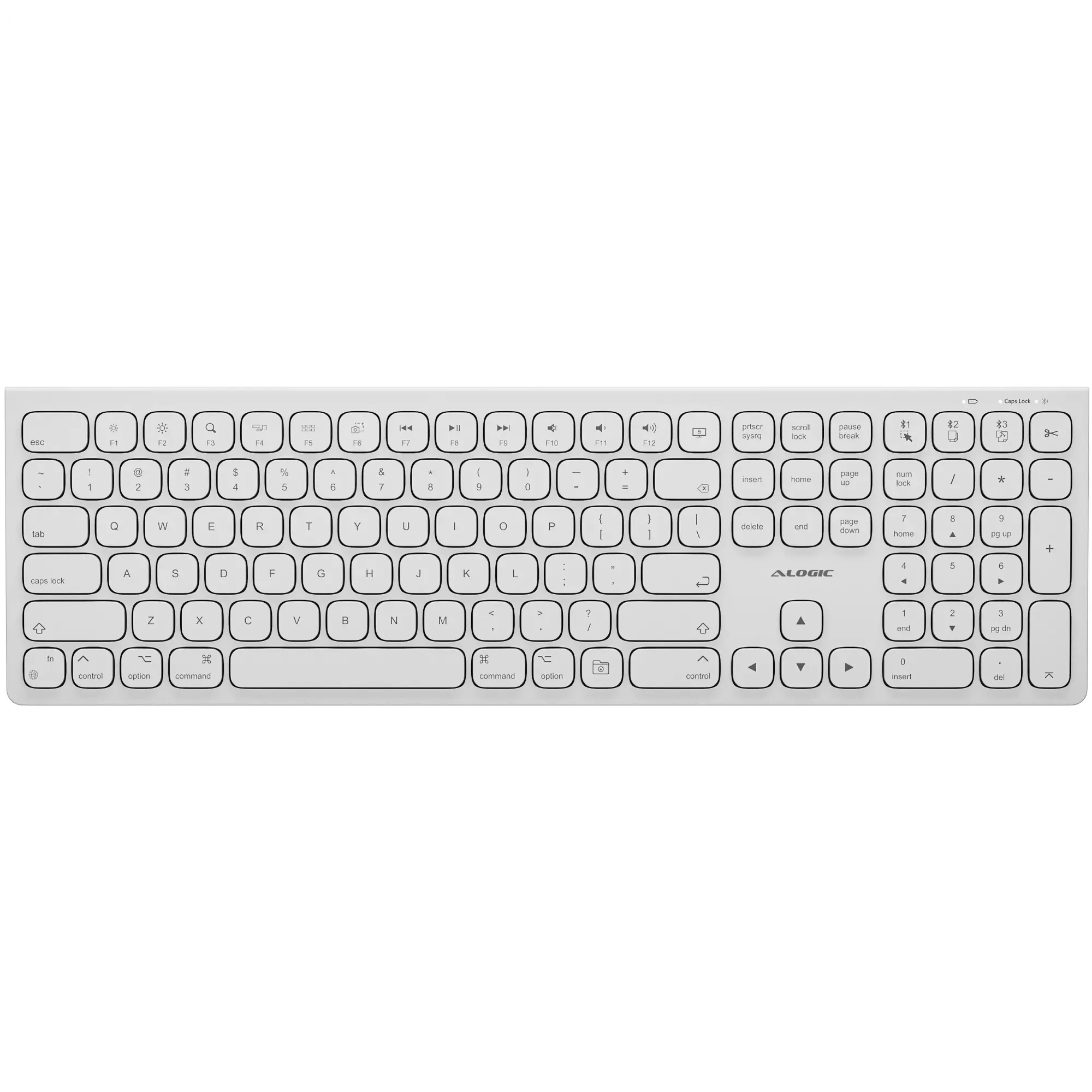
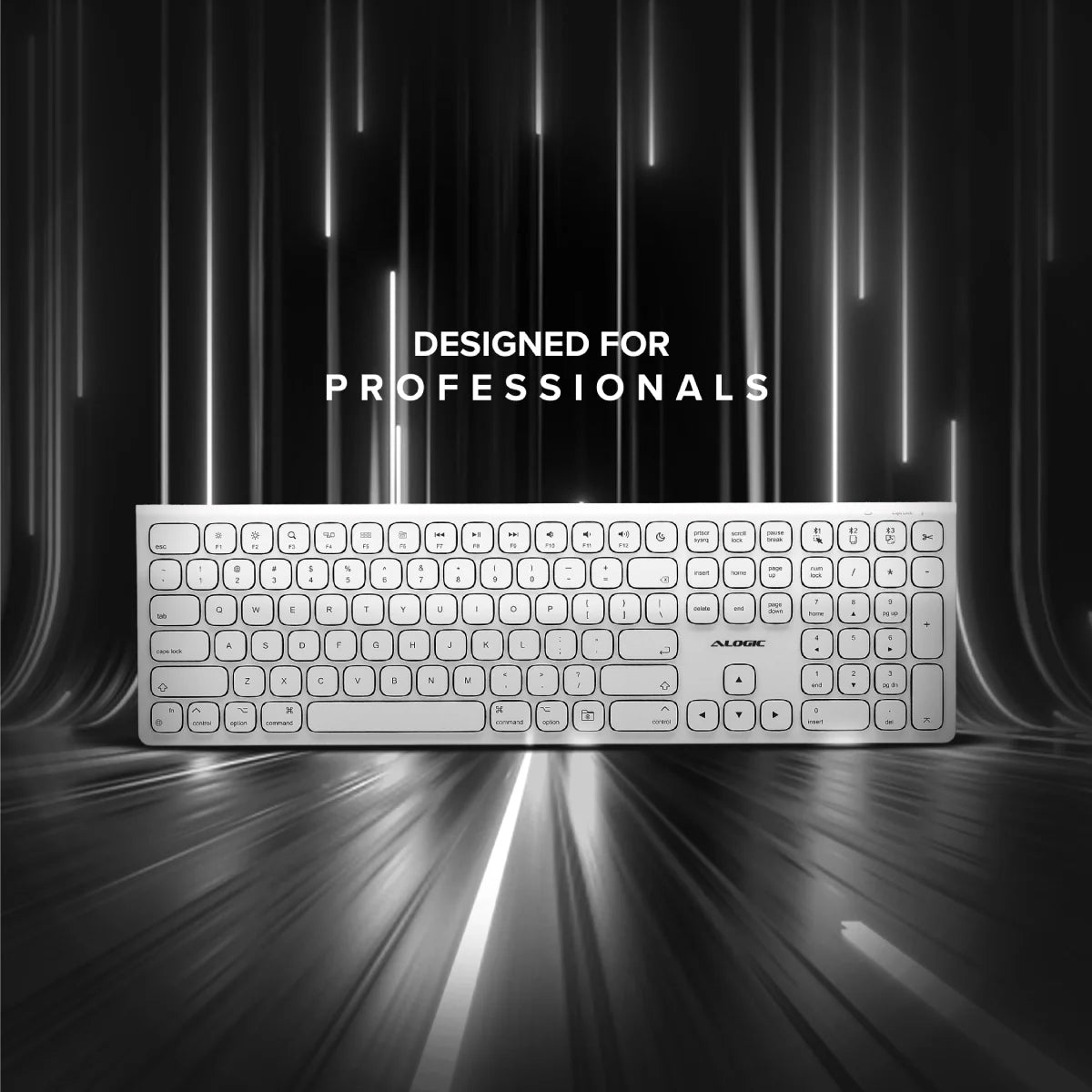
Echelon’s extended 109 key layout features a full number pad to speed up spreadsheet work and a variety of single-click office shortcuts, including Select All, Cut, Copy and Paste.

Opens your Mac’s home folder.

Allows you to select an area to take a screenshot of.

Tap to lock your Mac.

Switch to saved Bluetooth device #1 or select all items in the current application.

Switch to saved Bluetooth device #2 or copy selected items.

Switch to saved Bluetooth device #3 or paste selected items.

Cut (copy then delete) selected items.
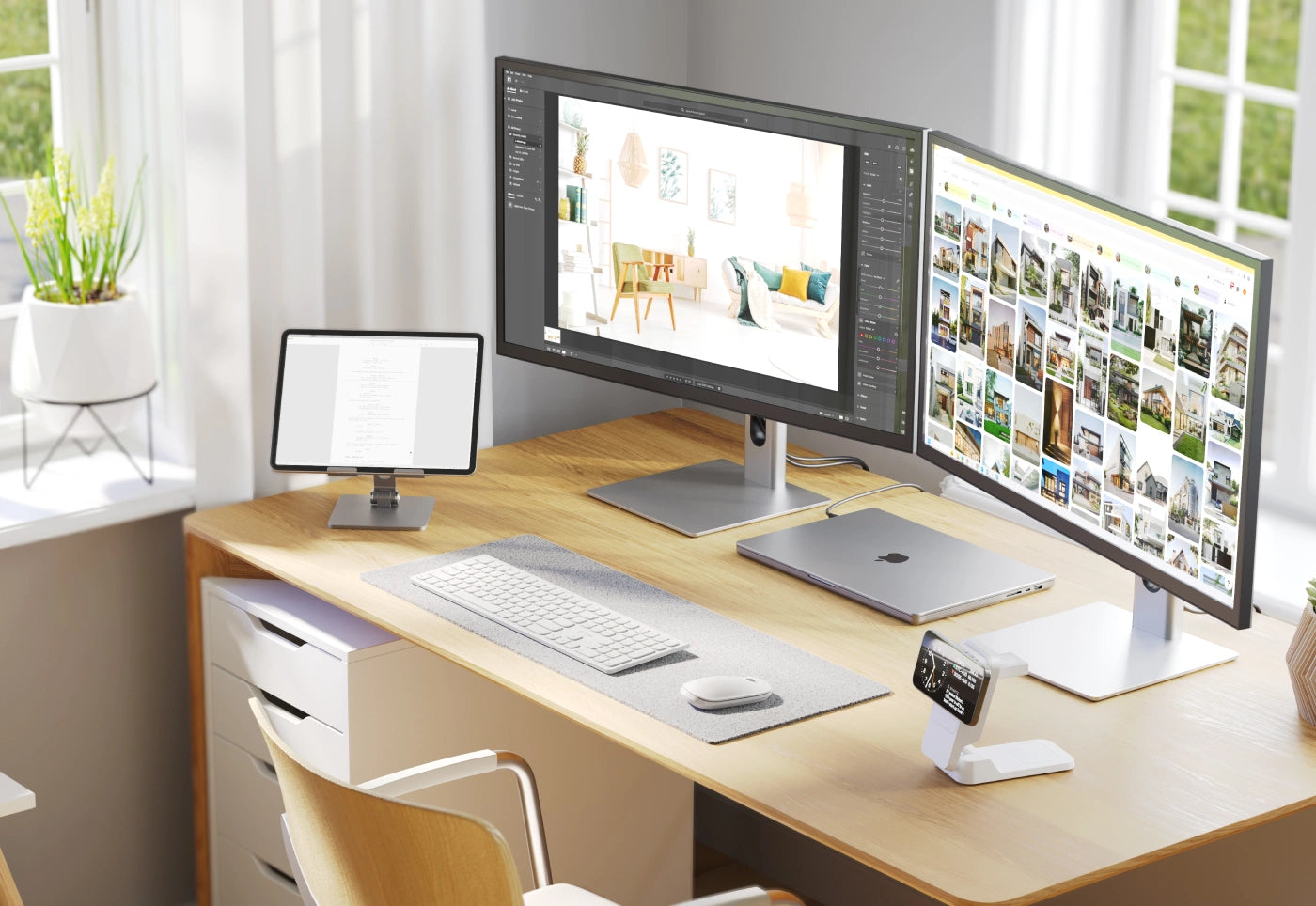
The Echelon Wireless Keyboard for macOS can store up to three paired Bluetooth devices, making it easy to multitask with your iPad and MacBook, or share a keyboard at a hotdesk.


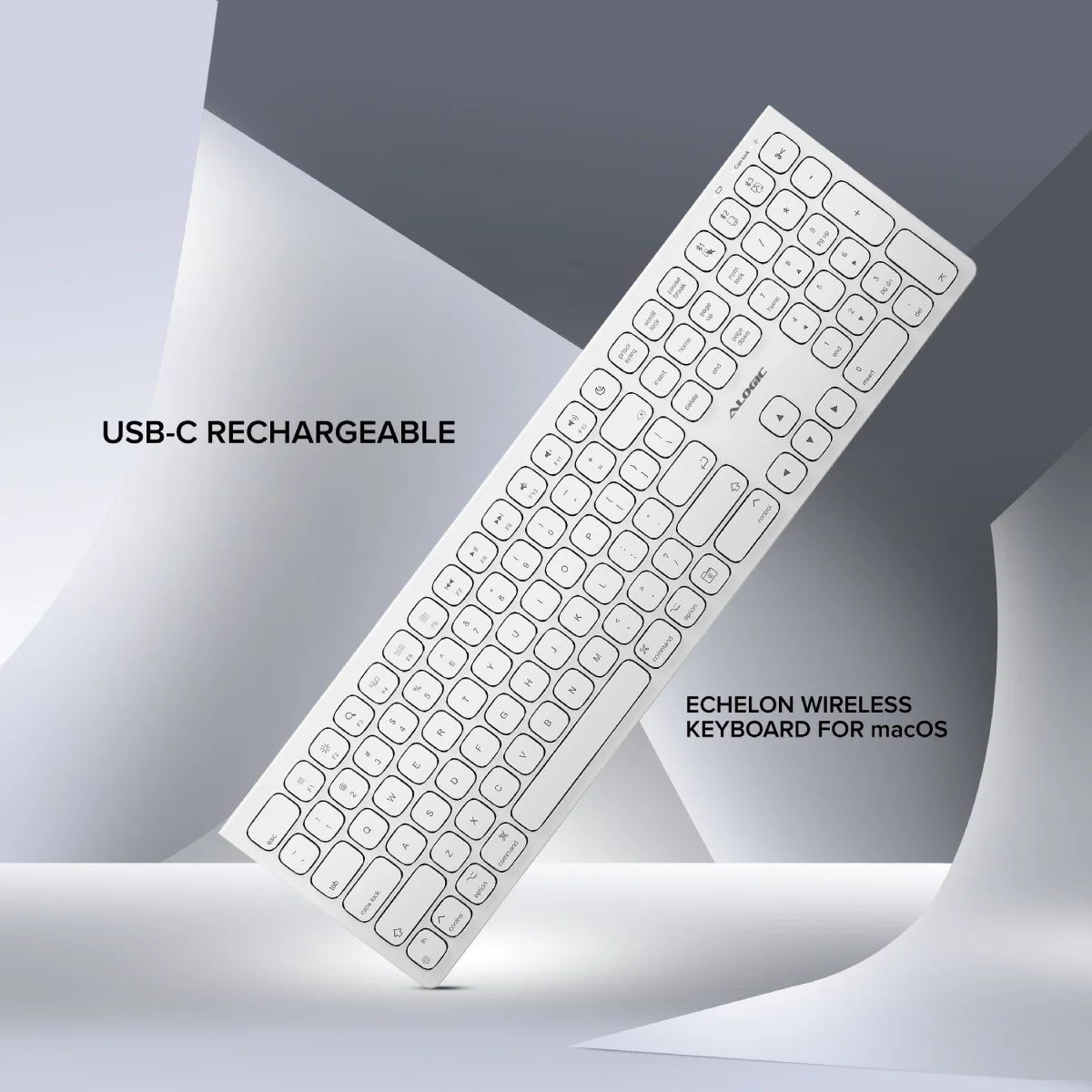
Echelon features an integrated, USB-C charging battery which lasts weeks between charges, saving you the expense and hassle of swapping batteries in and out.

USB-C Charging

Battery Lasts Weeks


