

 Canada
 USA
USA Australia
 UK
UK Europe
 New Zealand
 Japan
Japan Singapore
 UAE
UAE India
India South Korea
MV2 USB-C Dual Display DP Alt Mode Docking Station


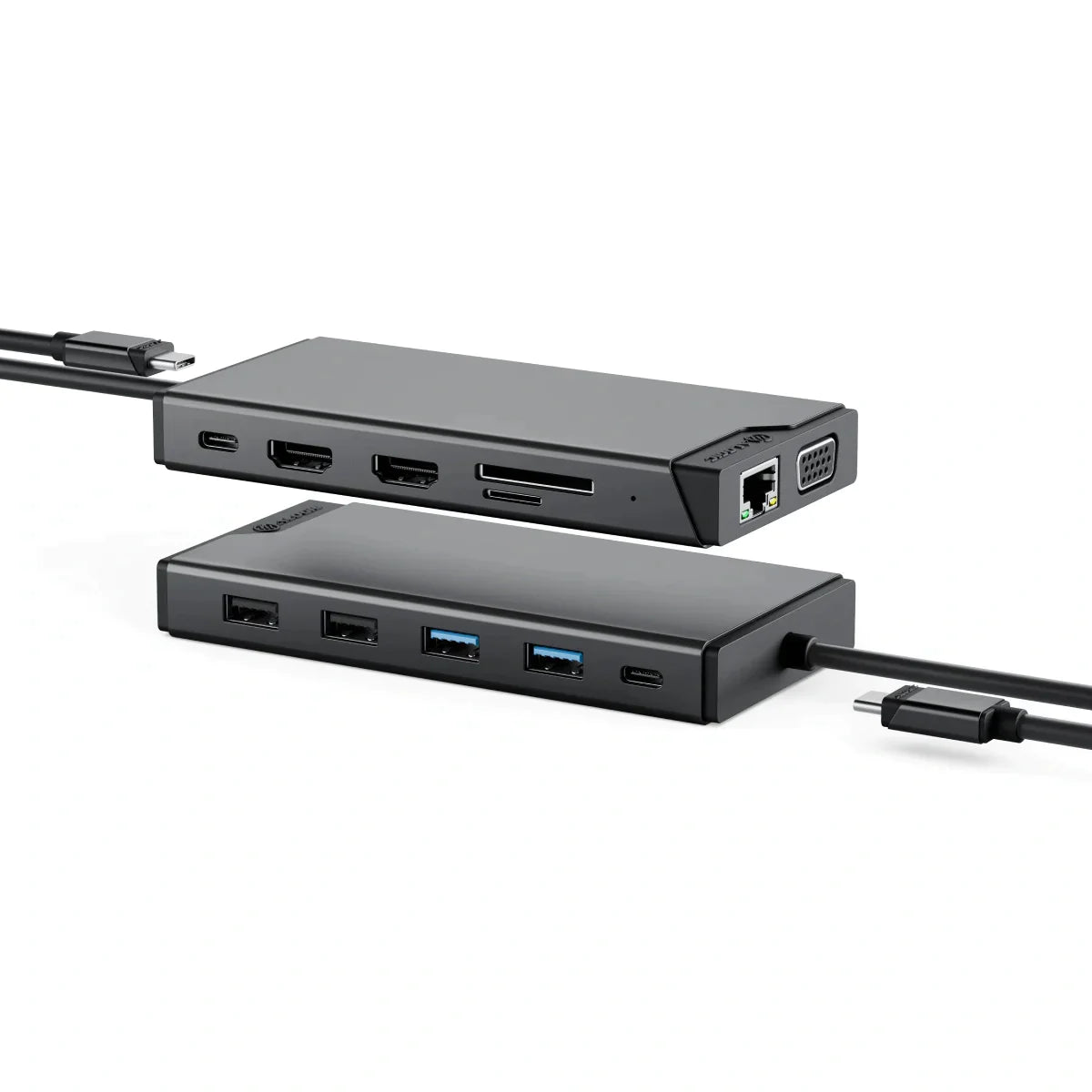
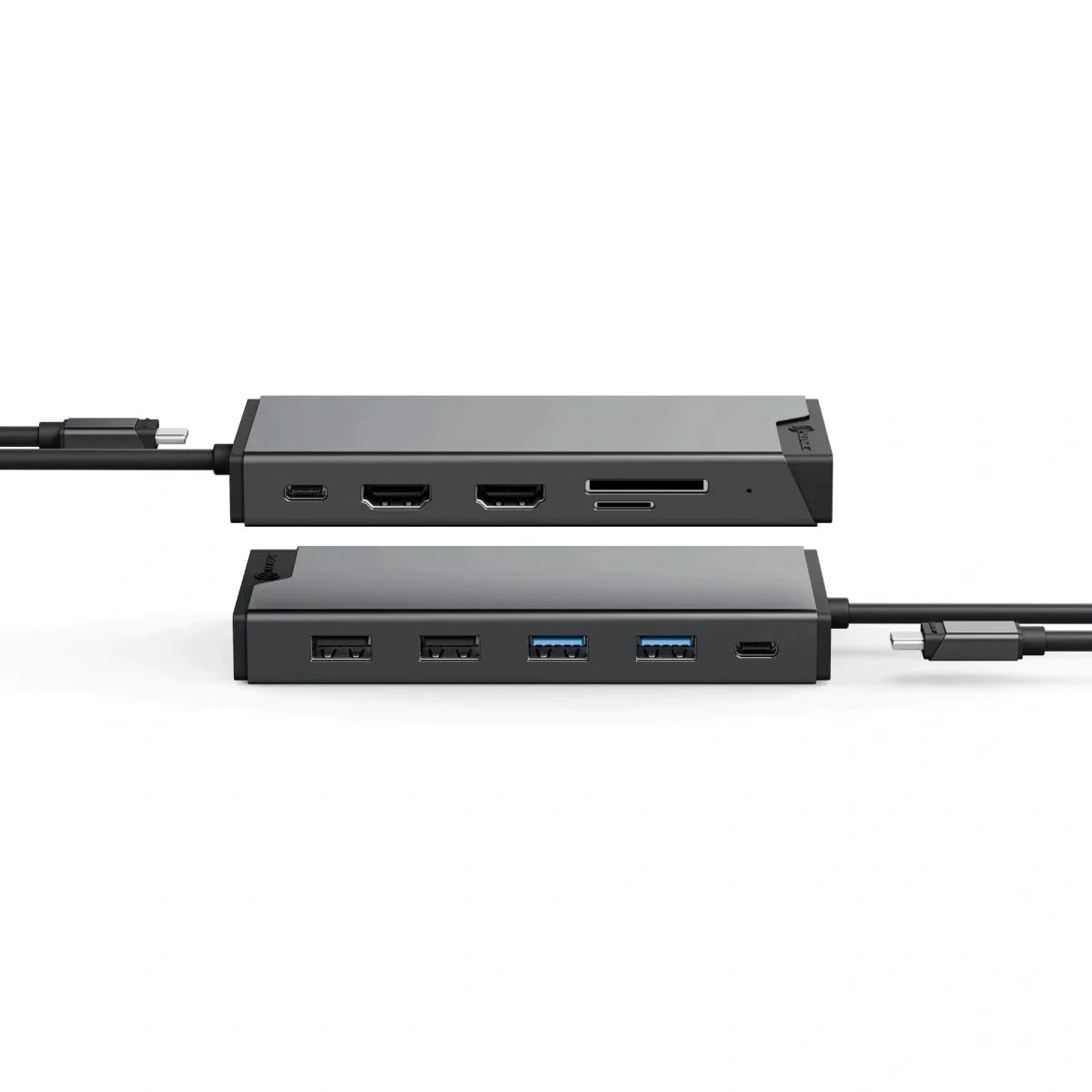
MV2 USB-C Dual Display DP Alt Mode Docking Station
MV2 USB-C Dual Display DP Alt Mode Docking Station
Regular price
$99.99
Sale price
Regular price
$99.99
Couldn't load pickup availability
Specifications
Specifications
Downloads
Downloads
Payment & Security
Payment methods
Your payment information is processed securely. We do not store credit card details nor have access to your credit card information.
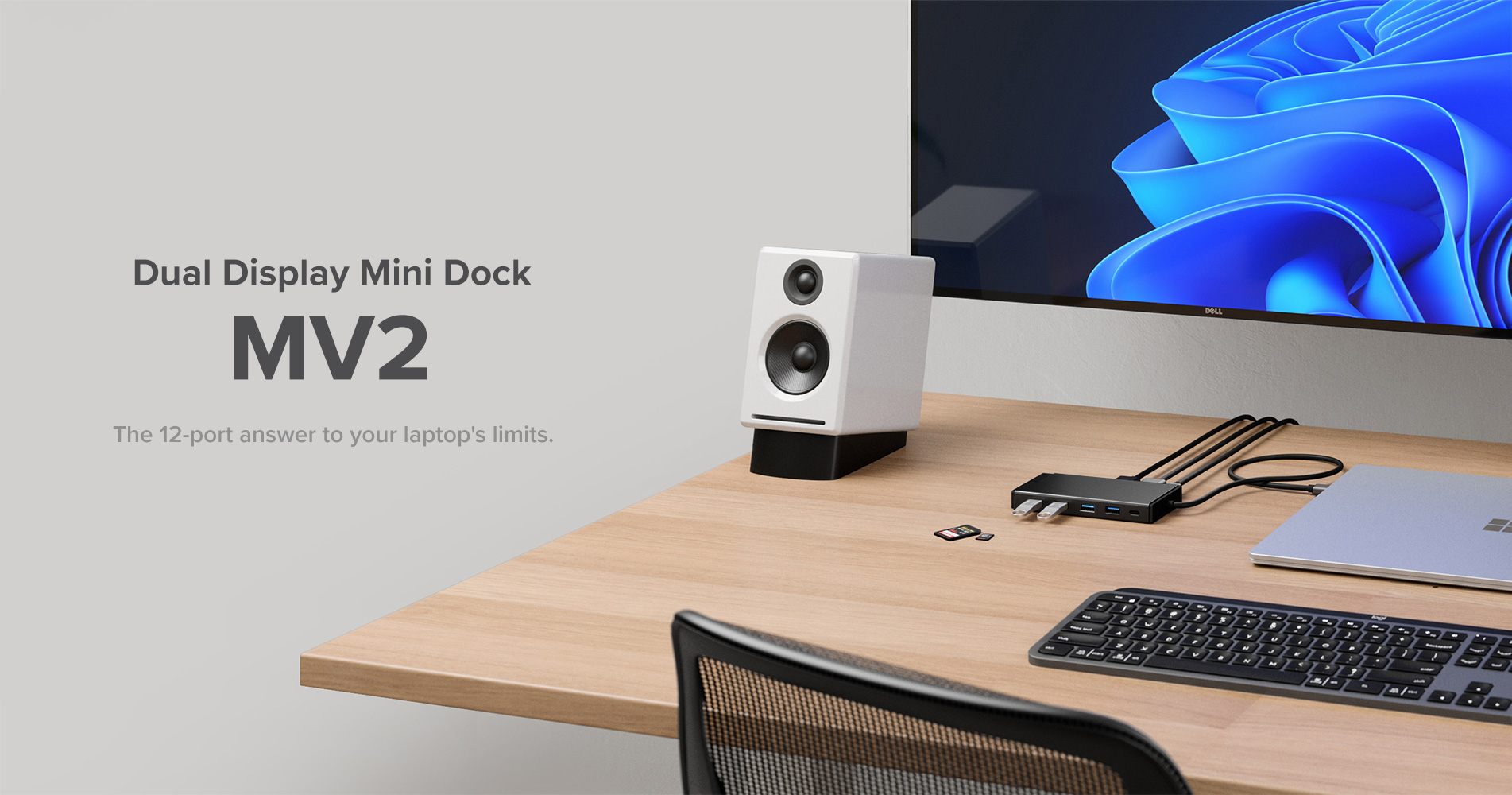
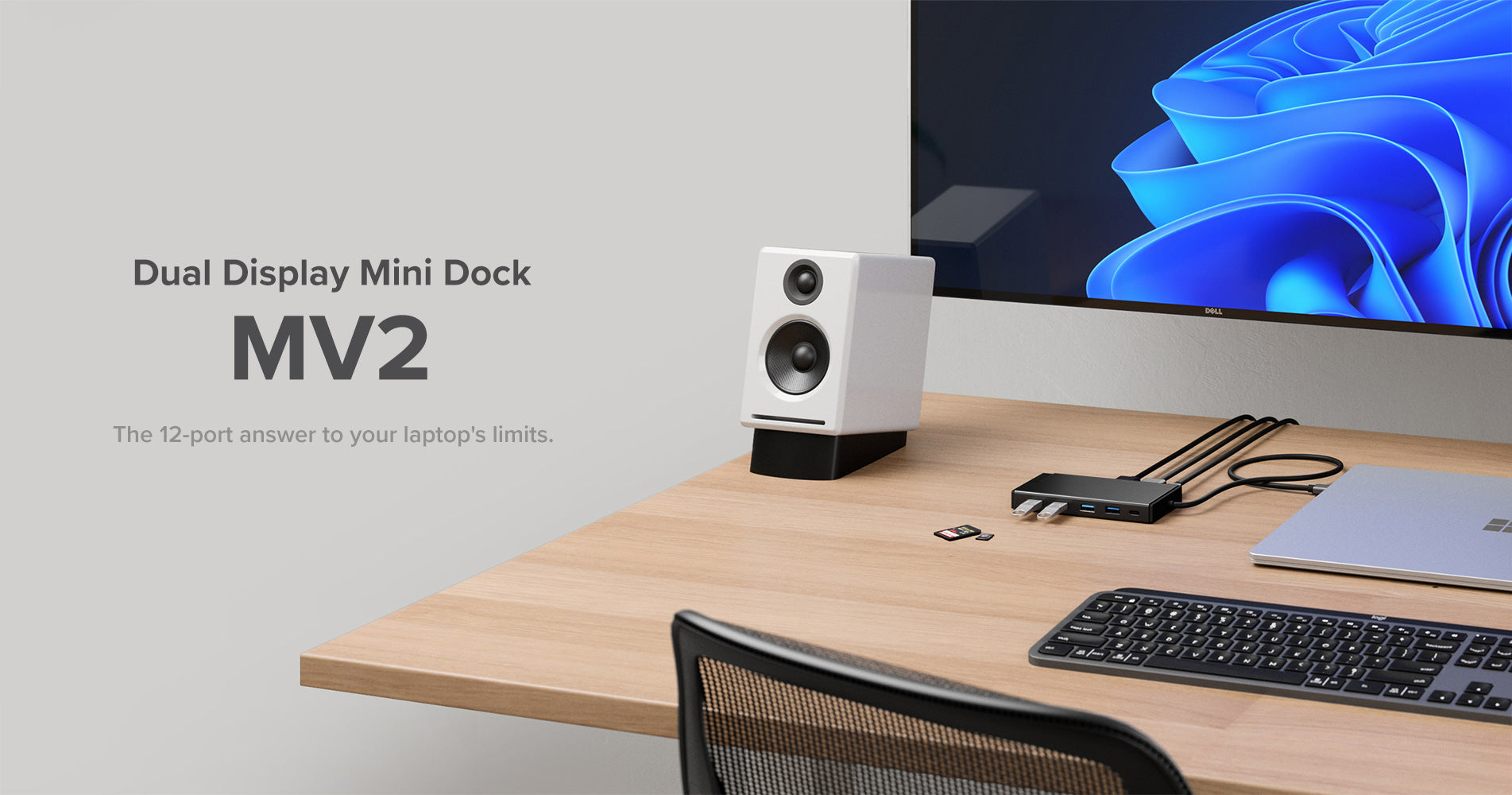
Great Connections in 12 Ports
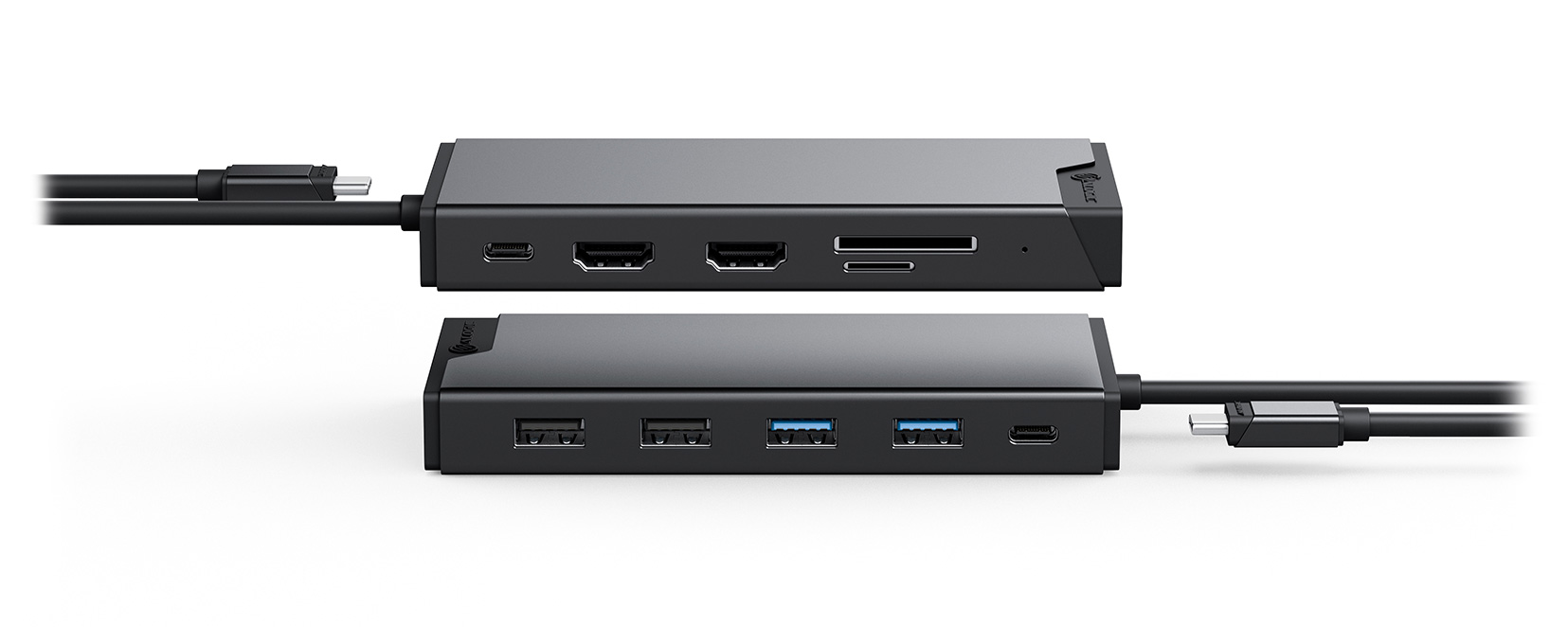
Plug into New-Found Productivity Your work is all about connections. So is the MV2. Connect all your favourite essentials – phone, tablet, keyboard, mouse and the rest – to the ultra-compact dock’s five USB ports [USB-A and USB-C]. Enjoy reliable internet in the clutch, with Gigabit Ethernet. Plug into two display ports for more screen space, and use the SD Card Reader to stop time squandered on slow video and image transfers.
The Answer is Clear: Dual Full HD
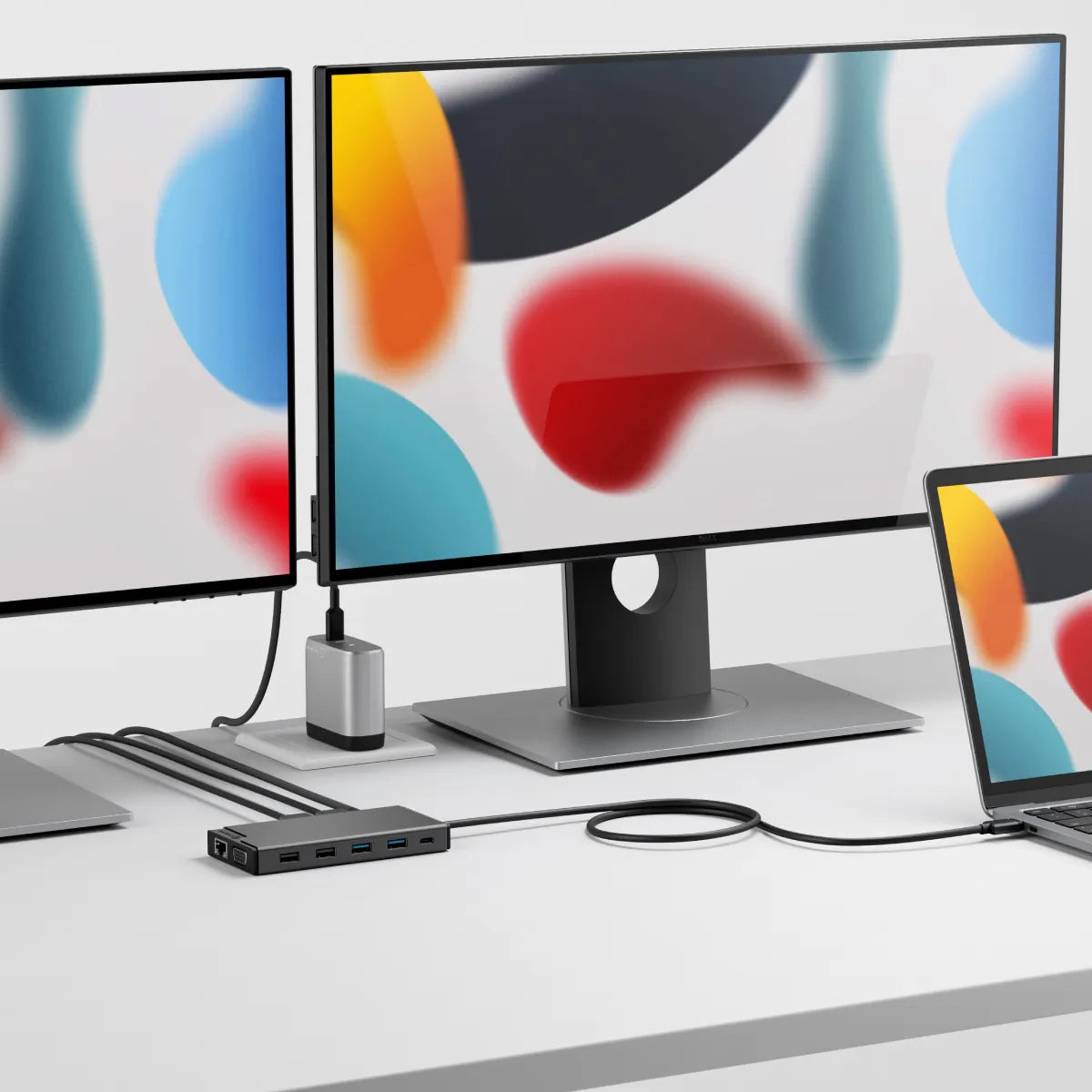
More Displays ― Less Toggling The MV2 runs up to two Full HD displays [@60Hz]*. That’s a clear window into everything you need to see when you work across multiple applications, documents, or websites. *Refer to the Display Resolution Table below for more details on the display capabilities of the MV2, based on the dock ports you and displays you connect to.*With MacOS only a single monitor is supported in extension mode. Multiple monitors are ONLY supported in mirror mode
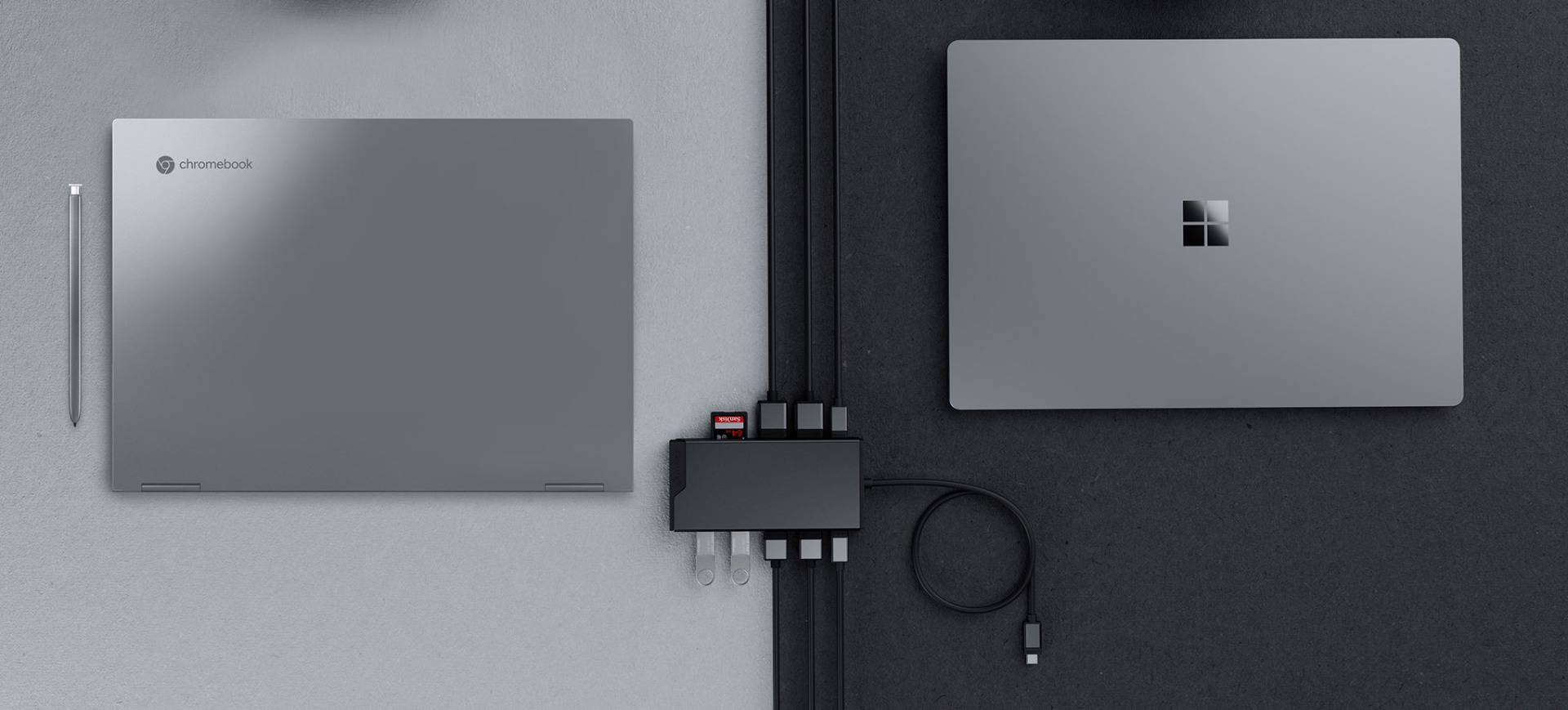
A Dock in Tune With All Modern Laptops
Compatibility Headaches Cured The MV2 is compatible with all modern laptops. Plug in your Mac, or Windows devices. Hot desk it at home or in the office. When it’s time to retire your old laptops, reconnect the MV2 with your new ones. We call that an act of conservation. You could call it an awesome return on investment.*With MacOS only a single monitor is supported in extension mode. Multiple monitors are ONLY supported in mirror mode.

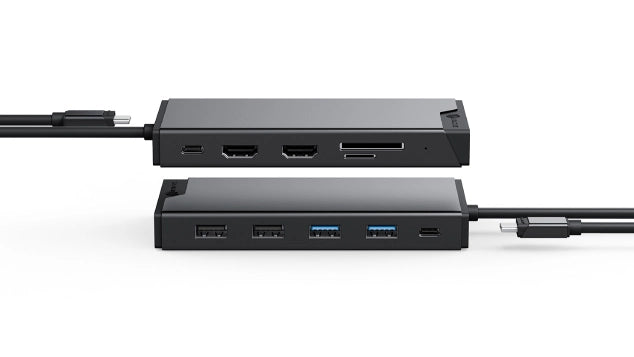
Great Connections in 12 Ports
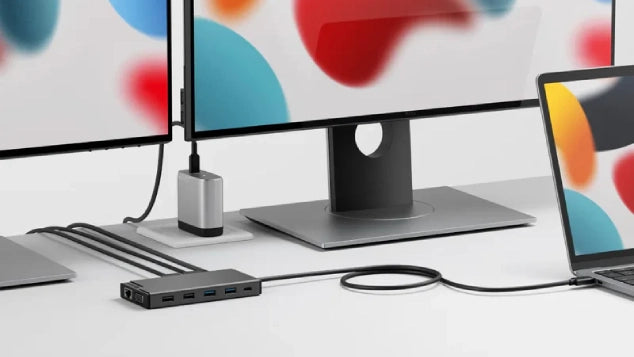
The Answer is Clear: Dual Full HD
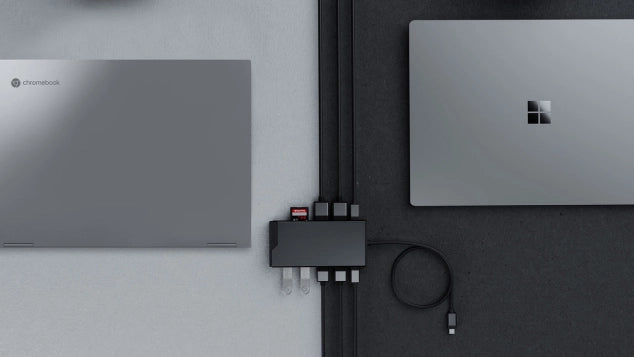
A Dock in Tune With All Modern Laptops
Frequently Asked Questions
General
What maximum video resolution does the ALOGIC MV2 12-in-1 dock support?
On Windows and ChromeOS laptops supporting DisplayPort Alt Mode, the ALOGIC MV2 Dock supports dual extended displays up to 4K resolution via its twin HDMI ports. On macOS laptops, it supports a single extended display (connecting two HDMI monitors will mirror the output across both external screens due to native Apple OS MST restrictions).
Do I need to install any software or drivers to use the ALOGIC MV2 Docking Station?
No. The ALOGIC MV2 Dock relies on native DisplayPort Alternate Mode (DP Alt Mode) technology, making it 100% driverless and plug-and-play. Simply connect the dock to your laptop's USB-C or Thunderbolt 3/4 port, and it will immediately output video and recognize attached peripherals.
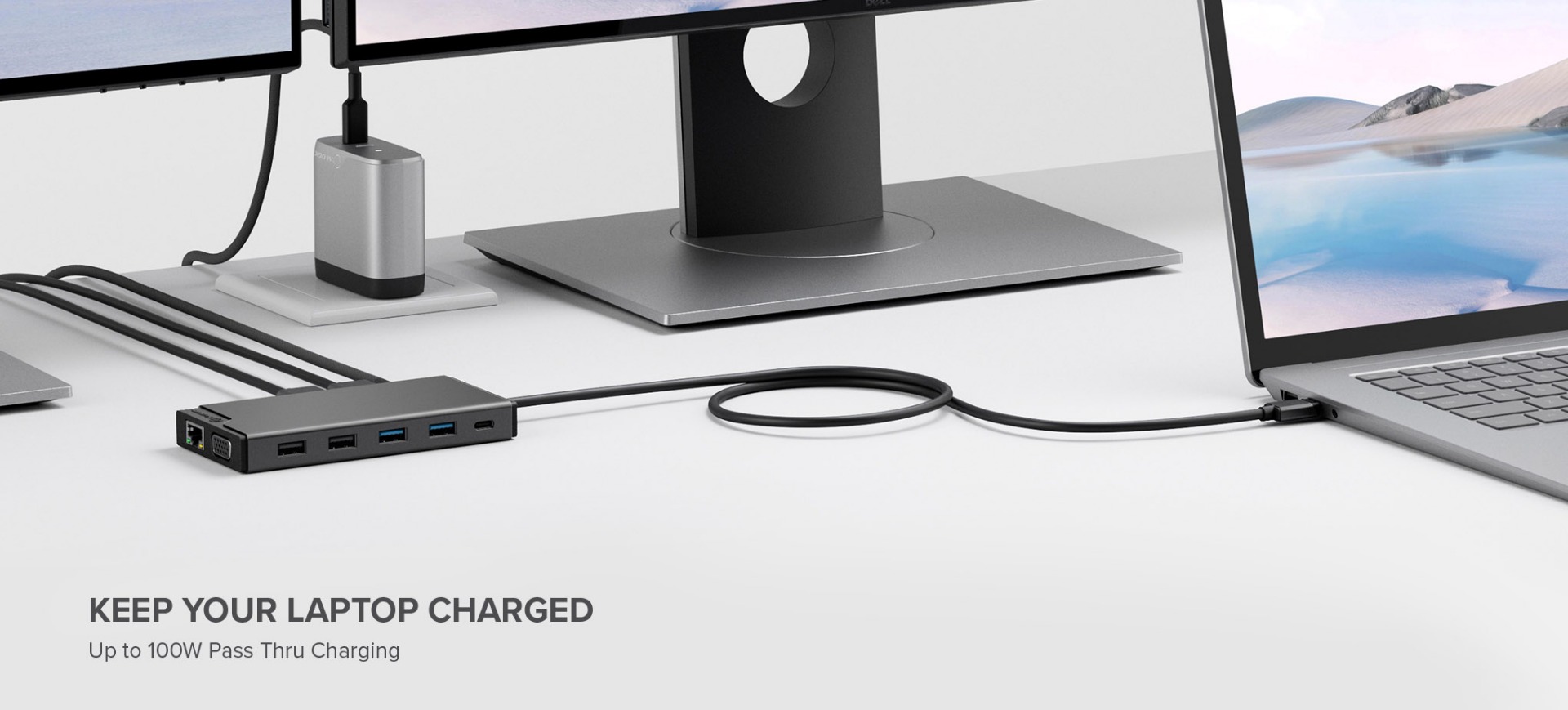
Does the ALOGIC MV2 come with a power supply, and can it charge my laptop?
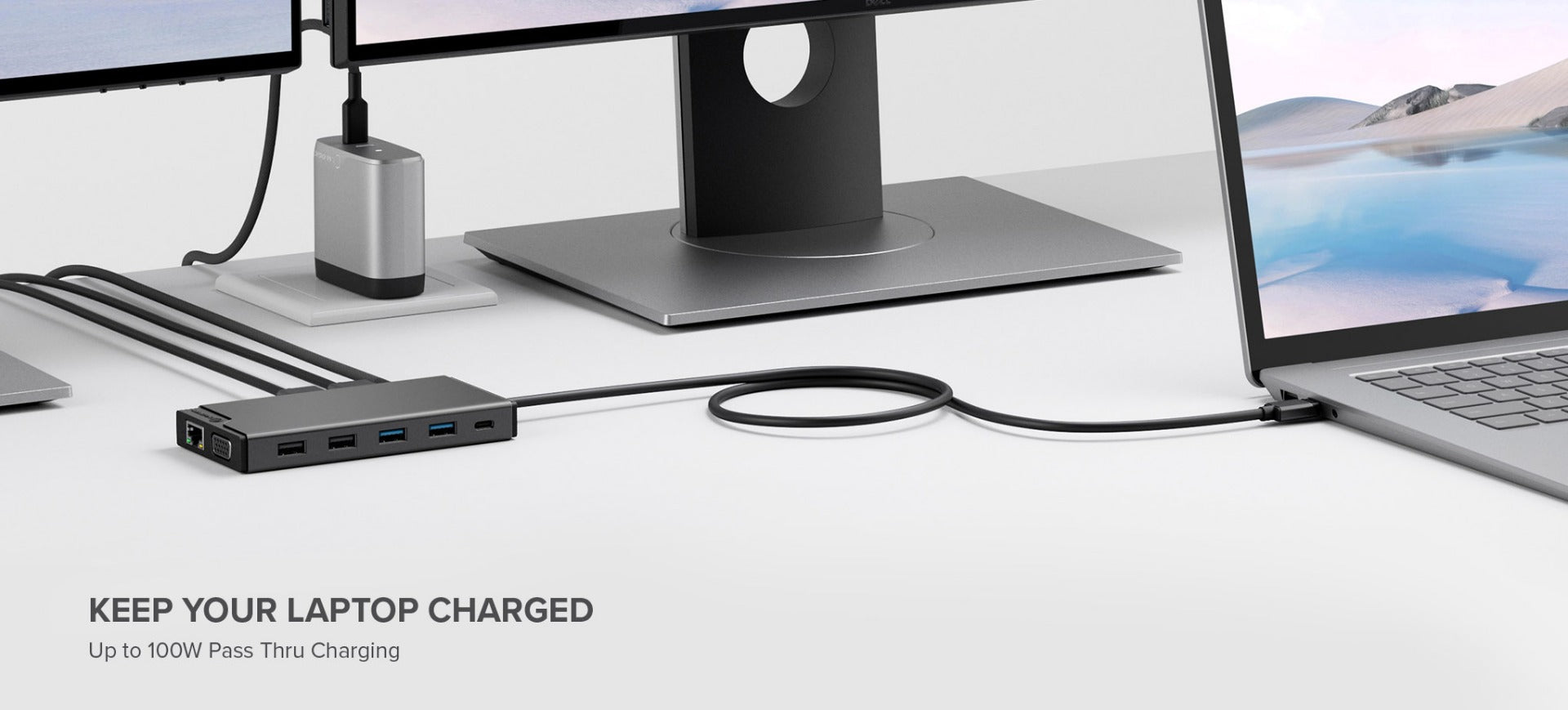
The MV2 operates as a portable, bus-powered 12-in-1 hub without needing a wall charger in the box. For laptop charging, plug your laptop’s original USB-C power charger or a USB-C PD power adapter (up to 100W) into the dock’s dedicated USB-C PD input port. The dock uses 15W to power attached accessories and passes through up to 85W Power Delivery to charge your host computer.
What type of port is required on my laptop to use the MV2 docking station?
Your host laptop must feature a USB-C or Thunderbolt 3/4/USB4 port that supports DisplayPort Alternate Mode (DP Alt Mode) for video transmission and USB Power Delivery (USB PD) for pass-through laptop charging. It is not compatible with legacy USB-A ports.
Will the ALOGIC MV2 dock work with base M1, M2, and M3 MacBooks?
Yes. It is fully plug-and-play compatible with Apple Silicon MacBooks. However, because the MV2 uses native USB-C DP Alt Mode (rather than DisplayLink), base M1, M2, and M3 MacBooks will output to a single external display. For users requiring dual extended displays on base M1/M2/M3 MacBooks, ALOGIC recommends DisplayLink-based docks like the CH2 HDMI Edition or DX2.
What ports are provided on the ALOGIC MV2 12-in-1 Docking Station?
"The ALOGIC MV2 Dock packs 12 essential workstation connections:
Video Output: 2x HDMI ports.
USB Connections: 1x 5Gbps USB-C data port, 2x 5Gbps USB-A 3.2 Gen 1 ports, and 2x USB-A 2.0 ports (ideal for wireless mice/keyboards).
Power & Networking: 1x USB-C PD input port (100W max input) and 1x RJ45 Gigabit Ethernet port (1Gbps).
Storage & Audio: SD and MicroSD card slots plus a 3.5mm combo audio/microphone jack."
Video Output: 2x HDMI ports.
USB Connections: 1x 5Gbps USB-C data port, 2x 5Gbps USB-A 3.2 Gen 1 ports, and 2x USB-A 2.0 ports (ideal for wireless mice/keyboards).
Power & Networking: 1x USB-C PD input port (100W max input) and 1x RJ45 Gigabit Ethernet port (1Gbps).
Storage & Audio: SD and MicroSD card slots plus a 3.5mm combo audio/microphone jack."